WorkShot Extra 3
One-time pack
$1.00 USD
- ✓+3 extra generations
- ✓Valid for 24 hours after payment
- ✓Full-size headshot delivery
Free trial · first 3 generations
Start free: upload a photo, pick a style, and download a full-size AI headshot. Your first 3 generations in this browser are free; after that, optional one-time extra-generation packs are available.
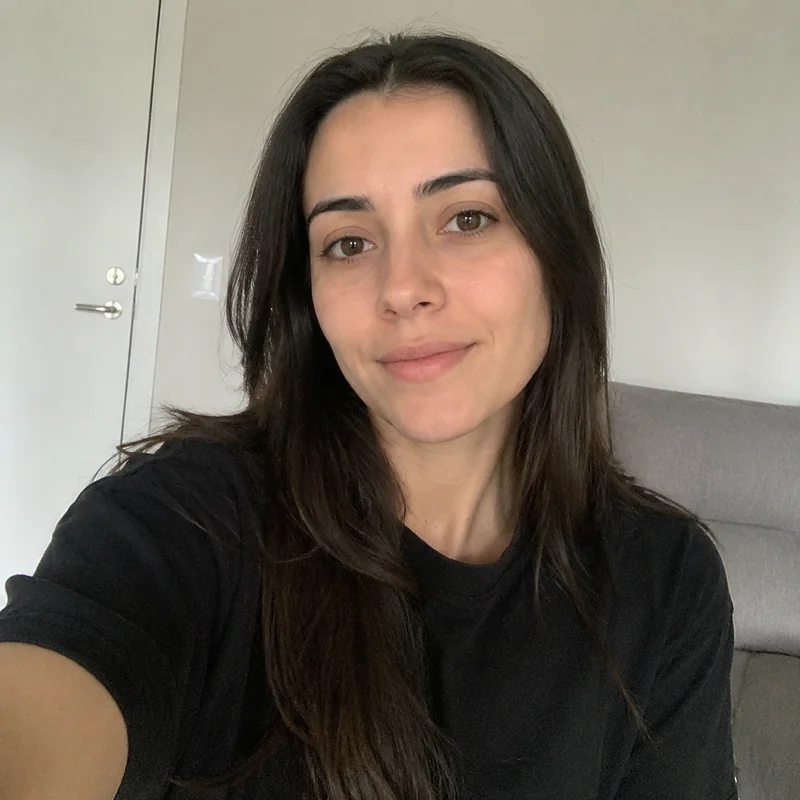

What you’ll get
✓One professional AI headshot
✓A full-size image ready to download
✓Suitable for LinkedIn, resumes, and team profiles
✓Most results are ready in 1–2 minutes
Click or drag a clear, front-facing photo here
Large photos are checked and optimized before upload
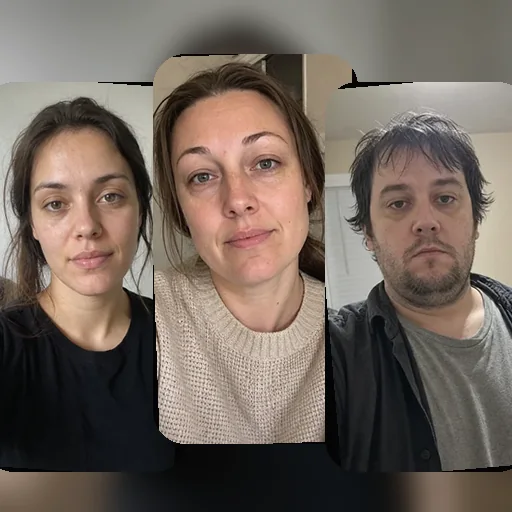
Get the best results
Tips only — a usable file can still be generated.
✓Use one clear, front-facing person
✓Choose natural, even lighting
✓Keep your full face clearly visible
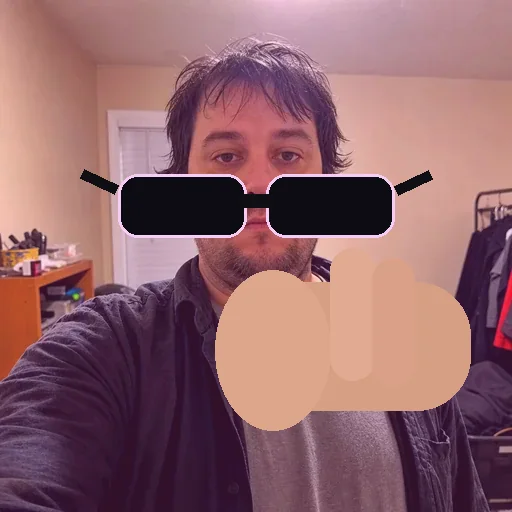
✓Avoid blur, sunglasses, and heavy filters


JPG, PNG, or WebP · Up to 25 MB · At least 512 px on the shortest side
Your photo is never used to train AI and is scheduled to expire after 30 days.
Start with a recommended preset, or open More styles for a specific role, background, or framing.
Find your style in the full gallery →A few editorial starting points for a first generation.
Studio Portraits
Pick the background mood first. You can choose the exact headshot, upper-body, or waist-up look below.
Match your role, audience, or public profile.
Change the professional setting behind you.
Try these when your source photo shows enough upper body.
Selected look

Business Headshot
Business Headshot — Featured look
Wider featured business portrait for company bios, corporate websites, template detail, listings, and campaign use.
Choose the exact look
Your face stays yours. The selected WorkShot sample guides clothing, background, lighting, framing, and professional mood.
Confirm your photo
Required